
Revolutionize Your Scheduling
The Automated Gatekeeper: How Calendar Schedulers Can Transform Your Business
Discover the power of automated scheduling to streamline your business operations and enhance productivity.
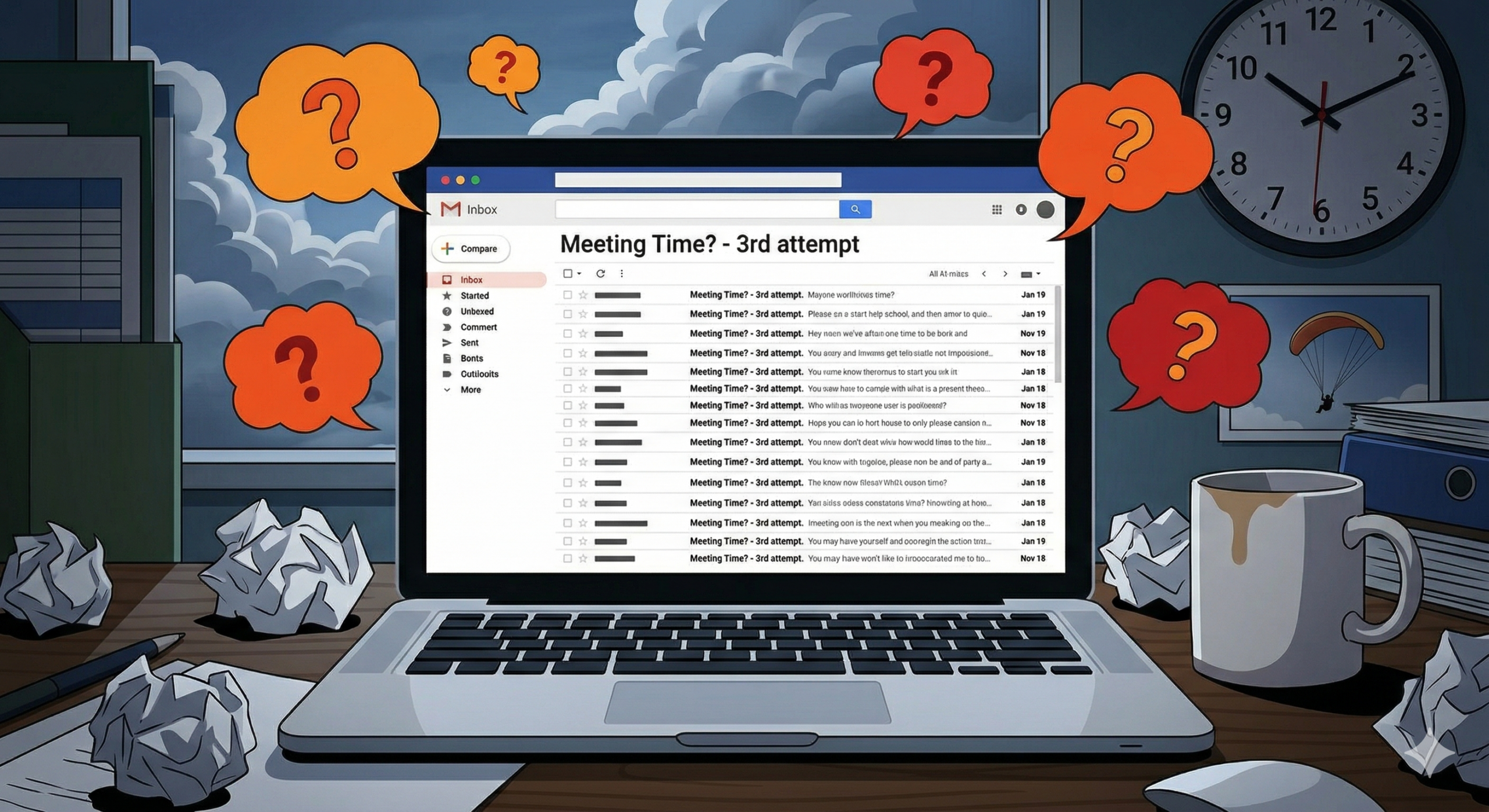
The Endless Email Loop: A Scheduling Nightmare
We have all lived the nightmare.
Client: “Can you meet next Tuesday?”
You: “Sure, how about 2 PM?”
Client: “Oh, sorry, I have a conflict. How’s Wednesday at 10?”
You: “Actually, I’m booked then. Can we do Friday?”
Four emails later, you’ve finally scheduled a 15-minute call—having spent nearly that amount of time just setting it up. For independent consultants, freelancers, and small business owners, this back-and-forth isn’t just annoying; it’s expensive.
This is where the automated calendar scheduler steps in. It is your tireless digital assistant, your automated gatekeeper, and the single best investment you can make in reclaiming your time. In this comprehensive guide, we will explore why you need one, how they integrate into your website, and which options are the “best in class” for 2026.
Unlock the Power of Automated Scheduling
Why You Need a Digital Assistant
Eliminating Back-and-Forth
The immediate time savings is dramatic. What used to take days of email synchronization is now settled in two clicks.
Timezone Integrity
For those of us working across borders, the simple question “What time is it there?” is a constant source of error. Schedulers automatically detect the user’s location and translate your availability perfectly into their timezone.
Automatic Meetings and Video Links
If you are meeting via Google Meet, Zoom, or Teams, advanced schedulers instantly create a unique conference link and add it to the invitation. You never have to copy-paste a meeting room link again.
Buffers and Control
You are still in charge. A good scheduler lets you define buffer times (so you never have back-to-back meetings), maximum appointments per day, and lockout periods (preventing someone from booking a “surprise” meeting 10 minutes before it starts).
Two Core Use Cases: Website Appointments vs. Individual Schedulers
While the technology is similar, how you use a scheduler depends on your business model. It’s important to match the tool to your workflow.
In this scenario, the scheduling is centralized on your website and is a core part of your service delivery.
-
Examples: A salon, a local massage therapist, or a music instructor.
-
The Workflow: Customers come to the site, see the services offered (e.g., “60-minute Massage”), select an available staff member, pay, and book.
-
Best Tools: This requires a specific class of software (like Amelia or BookingPress) that manages both staff availability and service details simultaneously. These are usually robust WordPress plugins that feel “native” to your site.
Use Case B: Individual Calendar Scheduling (The "Consultant’s Choice")
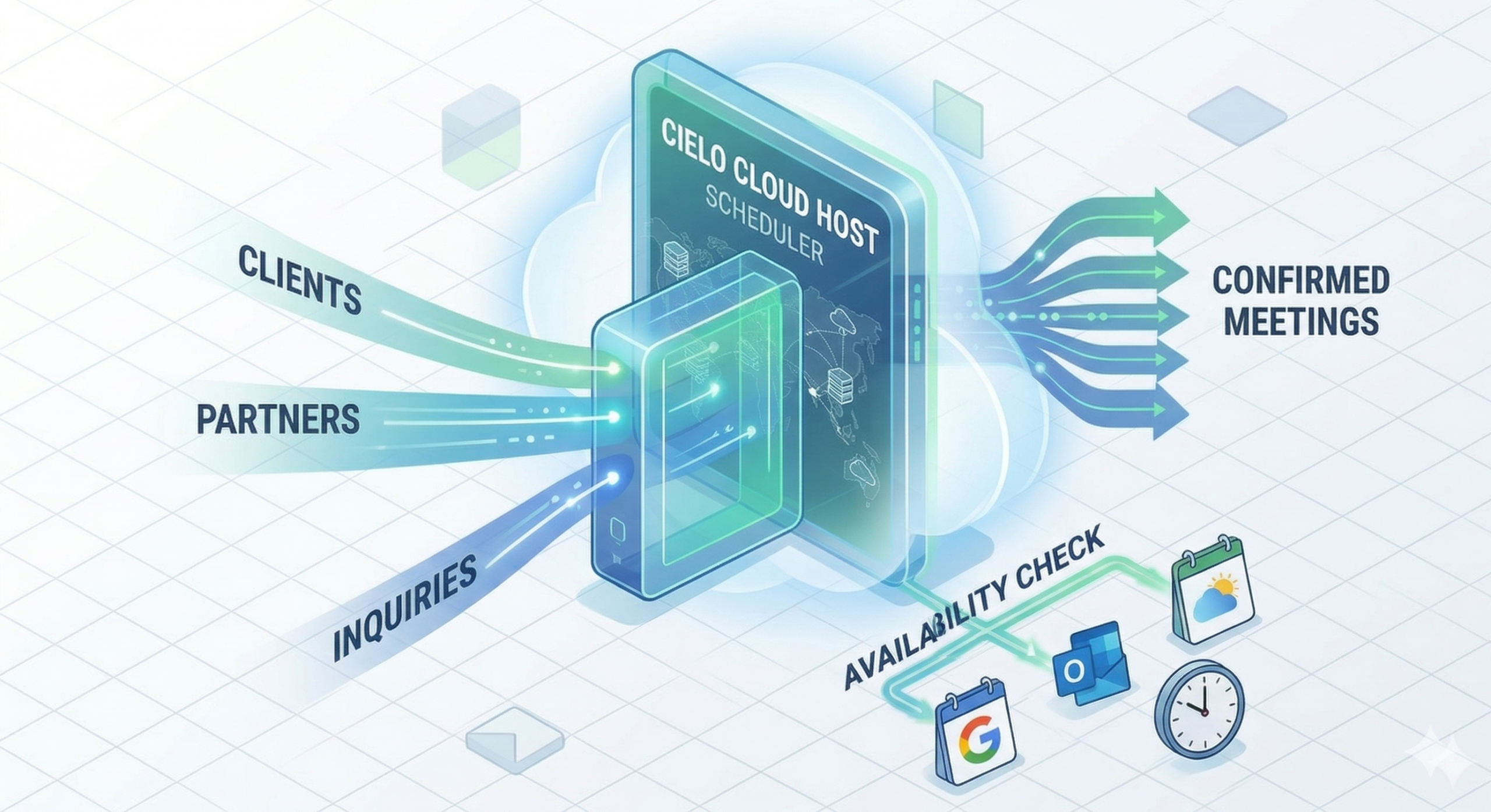
In this scenario, scheduling is decentralized and focuses on connecting individuals (or small teams) to clients, usually for consulting or discovery calls.
-
Examples: An independent web consultant (like myself), an architect, or a financial advisor.
-
The Workflow: You send a link (e.g.,
cal.com/your-name/15min) to a prospective client. They book a time that works for them on your primary calendar. You use this to schedule discovery calls, deep dives, or project updates. -
Best Tools: This requires lightweight, specialized software (like Cal.com or Calendly) that lives “in the cloud” and is optimized for speed, simplicity, and multi-meeting-type support.
Integration Options for Your Website
Once you’ve chosen your path, getting the scheduler onto your site (specifically if you are using WordPress) is usually done in one of three ways:
-
1. The Embed (The Professional Route)
You copy a small snippet of code from your scheduler (e.g., Cal.com) and paste it into a Code Module in your page builder (like Divi or Elementor). This keeps the user on your domain, which reinforces your professional brand. The scheduler looks like it’s just another part of your contact page.
-
2. The Direct Link (The Simple Route)
You add a button or menu link on your site that points directly to your scheduler’s hosted page (e.g.,
calendly.com/yourbusiness). This is the easiest setup but means users will briefly leave your site to book.
-
3. The Native Plugin (The Centralized Route)
For “Website Appointment” businesses (Use Case A), you install a robust plugin (like Amelia). The entire booking interface is generated directly within WordPress and managed from your dashboard.
The Best-in-Class Schedulers of 2026
Given the landscape and the options available, here are my top recommendations:
-
The “Best Overall” for Independent Consultants: Cal.com
As a consultant with a technical background, Cal.com is my undisputed winner.
-
Why it wins: It is open-source, GDPR compliant, and its free tier is incredibly powerful. Crucially, it allows unlimited event types (like “15-minute consult,” “60-minute strategy session,” “Project Update Call”) for free, whereas Calendly charges for this feature.
-
Best Feature: Powerful “Routing Forms” (e.g., asking a client a question first and directing them to a shorter meeting type based on their answer).
-
-
The “Easiest to Start” for Single Meetings: Calendly
Calendly is the standard-bearer for a reason: it’s polished and stable.
-
Why it wins: If you only need ONE meeting type (like “Discovery Call”) and want a set-it-and-forget-it solution that “just works,” the Calendly free version is excellent.
-
Best Feature: Flawless, automated Google Meet/Zoom link creation, even on the free plan.
-
-
The “Native Booking Suite” for WordPress: Amelia
If your business is scheduling, Amelia is the clear choice.
-
Why it wins: It turns your WordPress site into a professional booking engine, capable of handling complex staff management, multiple services, and online payments. It includes a beautiful front-end design that integrates well with page builders.
-
Best Feature: Comprehensive management interface for both classes (events) and appointments.
-
Reclaim Your Time
A scheduler is not just a tool; it is a declaration of value for your own time.
By automating the logistics of meeting, you remove a barrier to connection for your clients and save your mental energy for the actual conversation. In a world defined by distractions, a seamless, professional scheduling workflow is one of the clearest ways to establish yourself as a helpful, honest expert.
My advice: Start today. Pick a tool like Cal.com, create a 15-minute meeting link, and put it on your contact page.
You’ll thank me next week.
Final Thoughts
Conclusion
As we wrap up our exploration of calendar schedulers, it’s clear that embracing these tools can significantly streamline your business operations. By automating appointments, reducing scheduling conflicts, and enhancing client interactions, you position your enterprise for greater efficiency and success. We invite you to experience this transformation firsthand. Below, you’ll find a placeholder for our calendar integration, allowing you to seamlessly book a consultation. Don’t miss the opportunity to revolutionize your scheduling process—click the button below to schedule your 15-minute discovery call and take the first step towards a more organized and productive future.